How to use Dolphin client on Ubuntu Linux to access WebDAV?
Open Dolphin client on Ubuntu Linux machine.
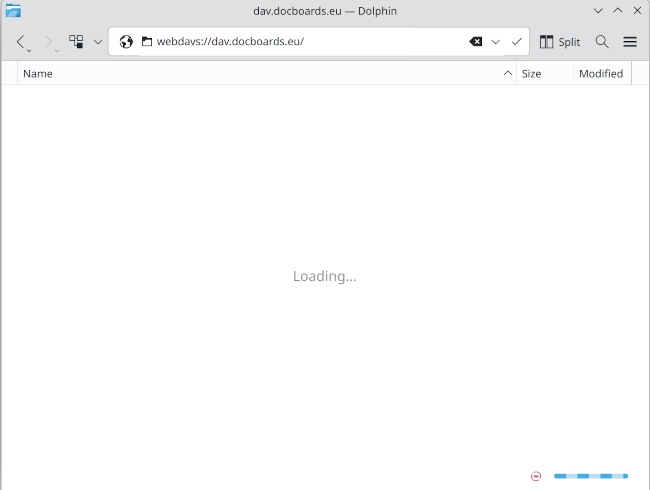
Enter webdavs://dav.docboards.eu/ into address bar:
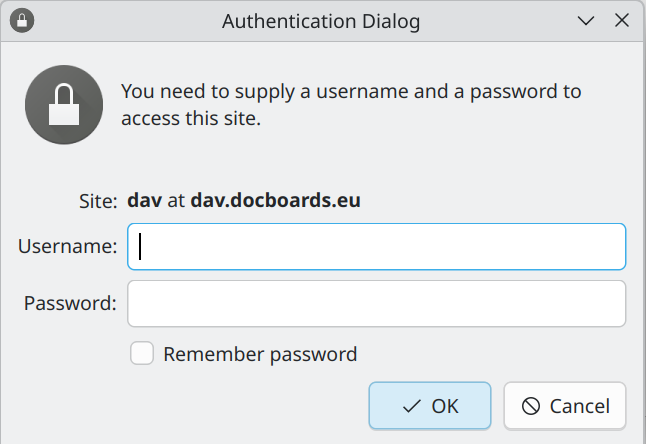
Enter username and password used in registration to authentication dialog:
Browse docboards.eu acount as any other folder on your machine.
Enter webdavs://dav.docboards.eu/ into address bar:
Enter username and password used in registration to authentication dialog:
Browse docboards.eu acount as any other folder on your machine.